How to Count Days Between Two Dates
Learn how to calculate the number of days between two dates using formulas, tools, and real examples with clear step-by-step methods.
Counting days between two dates sounds like something a calculator should handle in 2 seconds. And yet, people still get it wrong, especially when months, leap years, or inclusive counting get involved.
Whether you’re calculating deadlines, tracking periods, or managing projects, understanding how to count days between two dates is a practical skill. It helps avoid mistakes that can easily cost time, money, or accuracy. The logic itself is simple, but the details are where most people quietly mess up.
What Does Counting Days Between Two Dates Mean
At its core, counting days between two dates means measuring the exact number of calendar days from a start date to an end date. This includes handling different month lengths, leap years, and whether you count the start or end date.
For example, the number of days between March 1 and March 10 can be either 9 days or 10 days, depending on whether you include both dates. That single decision changes your result, which is why consistency matters more than people think.
This concept is widely used in finance, healthcare, and personal tracking. From loan interest calculations to menstrual cycle tracking, the same logic applies across different contexts.
Basic Method to Count Days Manually
If you want to count days manually, you need to break the process into steps. You start by identifying the number of days remaining in the first month, then add full months in between, and finally add the days in the last month.
For example, from January 20 to March 5:
- January: 11 days remaining (from 20 to 31)
- February: 28 days (or 29 in a leap year)
- March: 5 days
Total = 11 + 28 + 5 = 44 days
This method works, but it quickly becomes inefficient when dealing with longer time spans or multiple calculations. That’s why most people eventually switch to formulas or tools.
How to Count Days Using a Formula
A more reliable way to count days between two dates is by using a mathematical approach. In digital systems like Excel, dates are stored as serial numbers, which makes subtraction possible.
End Date – Start Date = Number of Days
For example:
Start Date: March 1 (Day 60 of the year)
End Date: March 15 (Day 74 of the year)
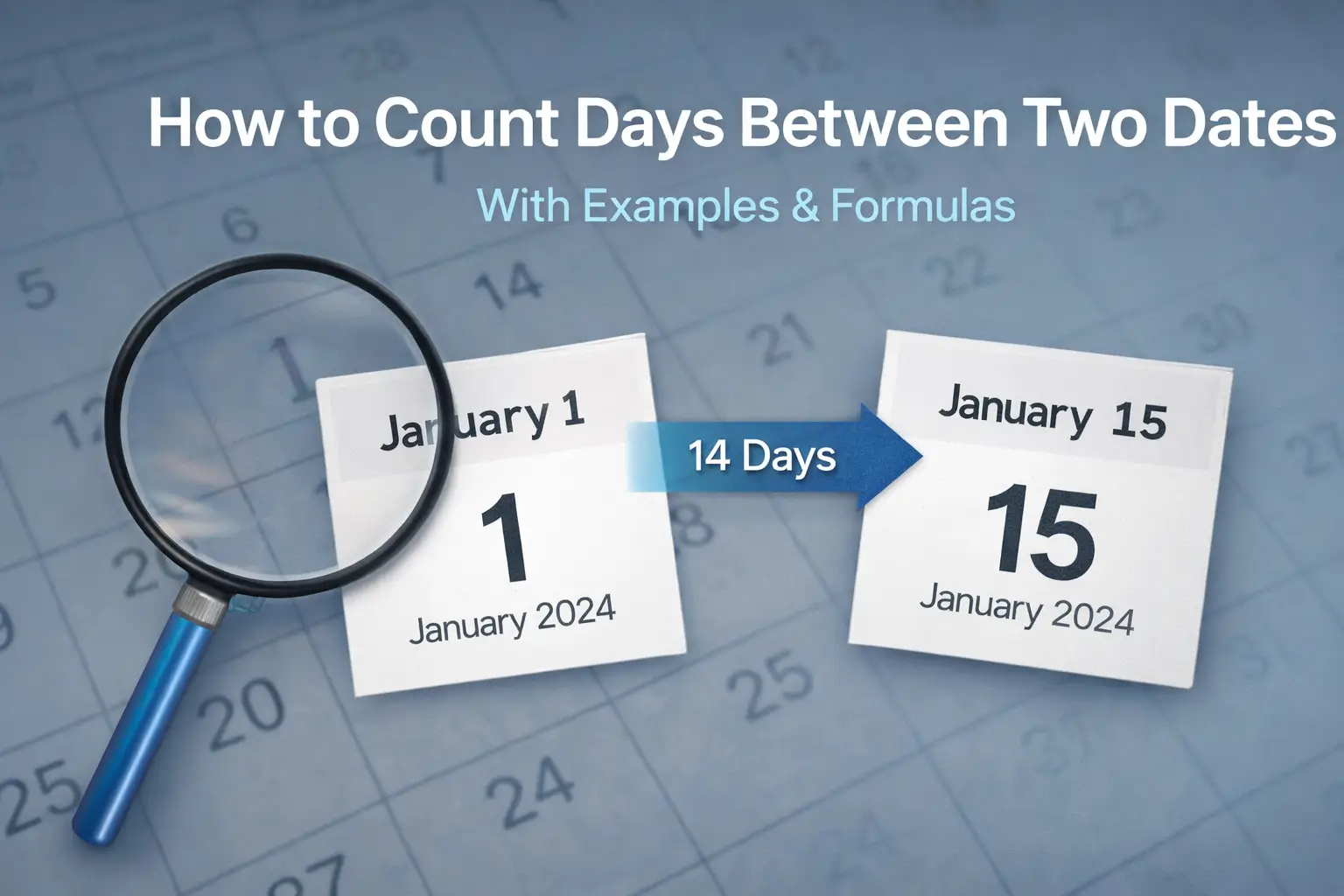
Result: 74 – 60 = 14 days
This method eliminates manual errors and works across months and years automatically. The only thing you need to decide is whether to add +1 if you want to include both start and end dates.
Counting Days Between Two Dates in Excel
Excel is one of the most common tools for this task because it handles date calculations automatically. You don’t need to worry about month lengths or leap years.
The standard formula is:
=B2 - A2
Where:
- A2 = start date
- B2 = end date
If A2 = 01/01/2024 and B2 = 01/31/2024, the result is 30 days. If you want to include both dates, you simply use:
=B2 - A2 + 1
This small adjustment changes your result significantly, especially for short time periods.
Using Online Tools to Count Days Between Two Dates
If you don’t want to deal with formulas or manual counting, online calculators are the fastest way to get a result. A typical “count days between two dates” tool only requires you to enter a start and end date, and it instantly returns the difference in days.
What makes these tools useful is not just speed, but the fact that they handle all the messy details for you. They automatically account for leap years, different month lengths, and even allow you to switch between inclusive and exclusive counting. This removes most of the common errors people make when calculating dates manually.
They are especially convenient when you’re working on a phone, checking something quickly, or dealing with longer time periods where manual counting becomes unreliable. For example, calculating a 6–12 month range manually is where most people start making small but critical mistakes.
That said, there’s a downside people like to ignore. If you rely entirely on a tool without understanding how it works, you lose the ability to verify the result. If the output looks wrong, you have no way of knowing whether the issue is with the tool, the input, or your expectations.
Counting Days Between Periods (Menstrual Cycle Example)
Another common use case is tracking cycles, where accuracy matters more than people expect. Knowing how to count days between periods helps predict future cycles and identify irregularities.
To calculate this:
- Day 1 = first day of bleeding
- Count each day until the next cycle begins
For example:
Period starts on April 1
Next period starts on April 29
Cycle length = 28 days
This method is consistent across most health tracking systems. Whether you use an app or manual tracking, the counting logic remains the same.
Common Methods Compared
| Method | Accuracy | Speed | Best Use Case |
|---|---|---|---|
| Manual Counting | Medium | Slow | Short date ranges |
| Formula (Excel) | High | Fast | Repeated calculations |
| Online Calculator | High | Very Fast | Quick checks |
| Mobile Apps | High | Instant | Daily tracking |
Manual counting works for simple cases, but it becomes inefficient with larger datasets. Excel provides precision and flexibility, especially when dealing with multiple entries. Online tools are convenient, but they depend on correct input. Choosing the right method depends on how often you need the calculation and how precise it needs to be.
Common Mistakes When Counting Days
Most errors happen because people assume the process is too simple to double-check.
- Forgetting whether to include the start or end date
- Ignoring leap years (February 29 every 4 years)
- Miscounting month lengths (30 vs 31 days)
- Mixing formats (MM/DD/YYYY vs DD/MM/YYYY)
- Rounding incorrectly in financial calculations
These small mistakes can create differences of 1–3 days, which may not matter casually but can be critical in contracts, billing, or health tracking.
How to Count Days Between Long Periods
When calculating longer periods, such as between years, manual counting becomes unrealistic. For example, counting days between January 1, 2020 and January 1, 2025 involves:
- 5 years total
- Including 1 leap year (2020)
Total days:
4 × 365 = 1,460
366 (leap year)
Final result = 1,826 days
This example shows why formulas and tools are necessary for accuracy. Even a small oversight, like forgetting a leap year, changes the result.
When date ranges become longer, the cost of a small counting error grows quickly. A mistake of just one day can affect deadlines, billing cycles, financial interest calculations, or health tracking patterns. This is why long-period calculations should always be checked with a formula or calculator instead of relying on manual counting alone.
Why Accuracy Matters in Date Calculations
It’s tempting to treat day counting as a trivial task, but it directly impacts real-world outcomes. In finance, interest calculations often depend on exact day counts. A difference of even 1 day can affect payments over time. In healthcare, cycle tracking relies on accurate counting to detect patterns.
In project management, deadlines and timelines are calculated based on precise durations. Miscounting even a few days can disrupt schedules and expectations.
Understanding how to count days between two dates gives you more than just a number. It gives you control over planning, tracking, and decision-making. The logic is simple, but applying it correctly is what makes the difference.